Java实现窗体叠加显示的多种方法
在Java GUI开发中,窗体叠加显示是一个常见需求,例如多文档界面(MDI)、模态对话框、悬浮提示窗口等场景,实现窗体叠加的核心在于控制窗体的层级关系、显示位置以及交互逻辑,本文将详细介绍几种实现窗体叠加的方法,包括使用JLayeredPane、模态对话框、自定义窗体管理器以及多窗口协同等技术,并附关键代码示例与注意事项。
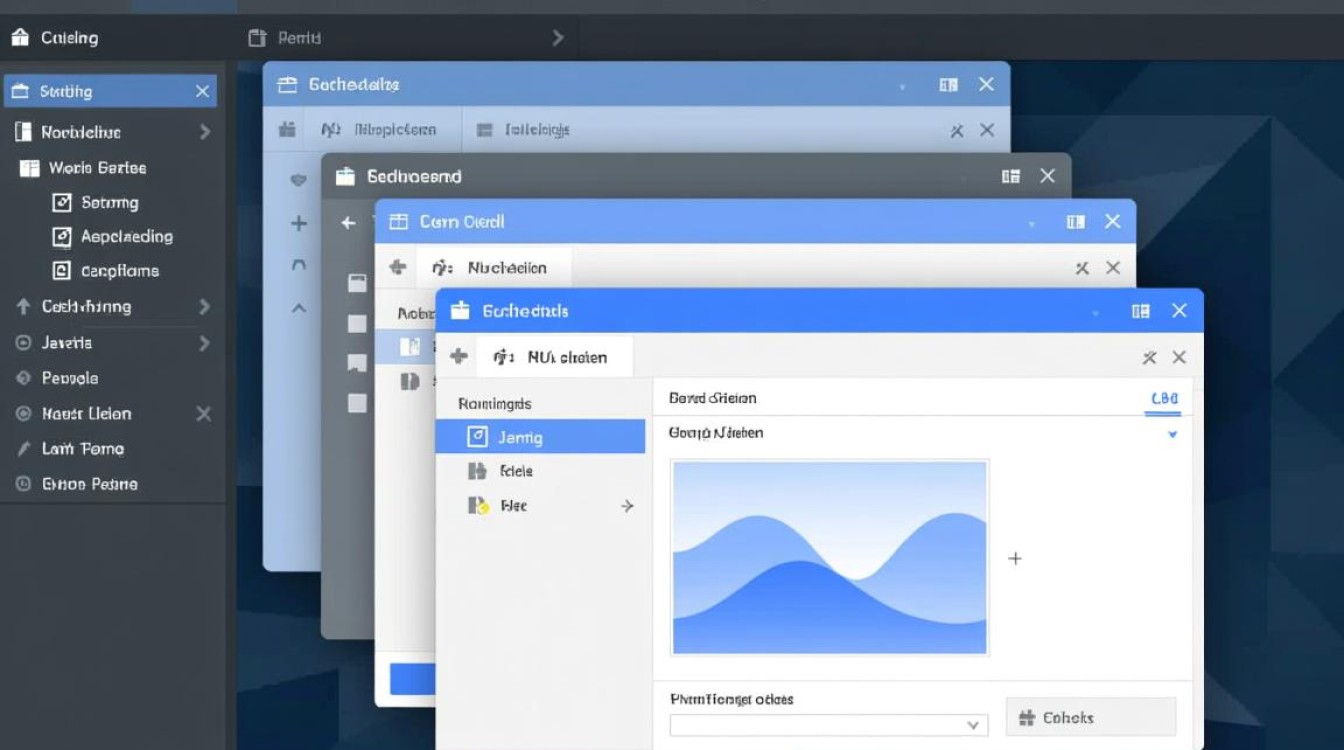
使用JLayeredPane实现分层叠加
JLayeredPane是Swing中专门用于管理组件层级的容器,允许在同一区域内叠加多个组件,并通过层级常量(如JLayeredPane.DEFAULT_LAYER、MODAL_LAYER等)控制显示顺序。
核心步骤:
- 创建主窗体(JFrame)并设置JLayeredPane为内容面板。
- 需要叠加的窗体(如JDialog或自定义JPanel)需设置为非模态(setModal(false)),并通过JLayeredPane的add()方法添加,指定层级参数。
- 调整窗体位置(setLocation)和大小(setSize),确保叠加效果可见。
代码示例:
import javax.swing.*;
import java.awt.*;
public class LayeredPaneDemo {
    public static void main(String[] args) {
        JFrame mainFrame = new JFrame("主窗体");
        mainFrame.setSize(400, 300);
        mainFrame.setDefaultCloseOperation(JFrame.EXIT_ON_CLOSE);
        JLayeredPane layeredPane = new JLayeredPane();
        mainFrame.setContentPane(layeredPane);
        // 底层窗体
        JPanel bottomPanel = new JPanel();
        bottomPanel.setBackground(Color.LIGHT_GRAY);
        bottomPanel.setBounds(0, 0, 400, 300);
        layeredPane.add(bottomPanel, JLayeredPane.DEFAULT_LAYER);
        // 顶层窗体
        JDialog topDialog = new JDialog(mainFrame, "叠加窗体", false);
        topDialog.setSize(200, 150);
        topDialog.setLocation(100, 75);
        layeredPane.add(topDialog.getContentPane(), JLayeredPane.MODAL_LAYER);
        mainFrame.setVisible(true);
        topDialog.setVisible(true);
    }
}
注意事项:
- 层级值越大,窗体显示越靠前,JLayeredPane提供了预定义常量(如PALETTE_LAYER、MODAL_LAYER等),也可直接使用整数(如0-1000)。
- 叠加的窗体需设置Bounds,否则可能无法正确显示。
模态对话框实现强制叠加
模态对话框(Modal Dialog)会阻塞主窗体的交互,强制用户先完成对话框操作,适合表单填写、确认提示等场景。
核心步骤:
- 创建JDialog并设置主窗体为所有者(owner)。
- 调用setModal(true)将其设为模态对话框(默认为非模态)。
- 使用setVisible(true)显示对话框,主窗体将被自动阻塞。
代码示例:
import javax.swing.*;
import java.awt.*;
import java.awt.event.ActionEvent;
public class ModalDialogDemo {
    public static void main(String[] args) {
        JFrame mainFrame = new JFrame("主窗体");
        mainFrame.setSize(400, 300);
        mainFrame.setLayout(new FlowLayout());
        JButton showDialogBtn = new JButton("打开模态对话框");
        mainFrame.add(showDialogBtn);
        showDialogBtn.addActionListener((ActionEvent e) -> {
            JDialog modalDialog = new JDialog(mainFrame, "确认对话框", true);
            modalDialog.setSize(250, 150);
            modalDialog.setLayout(new FlowLayout());
            JLabel label = new JLabel("请确认操作");
            JButton confirmBtn = new JButton("确定");
            confirmBtn.addActionListener((ae) -> modalDialog.dispose());
            modalDialog.add(label);
            modalDialog.add(confirmBtn);
            modalDialog.setLocationRelativeTo(mainFrame); // 居中显示
            modalDialog.setVisible(true);
        });
        mainFrame.setVisible(true);
    }
}
特点:
- 模态对话框会自动置于最顶层,无需手动管理层级。
- 适用于需要用户立即响应的场景,但需注意避免过度使用,以免影响用户体验。
自定义窗体管理器实现动态叠加
对于复杂的多窗体管理(如MDI界面),可通过自定义窗体管理器(WindowManager)动态控制窗体的叠加、排列和层级切换。
核心思路:
- 维护一个窗体列表(List
),记录所有需要管理的窗体。 - 提供方法(如bringToFront())将指定窗体置于顶层,通过窗体的
toFront()和requestFocus()实现。 - 结合鼠标事件或快捷键实现窗体层级切换(如点击窗体时置顶)。
代码示例:
import javax.swing.*;
import java.awt.*;
import java.awt.event.*;
import java.util.ArrayList;
import java.util.List;
public class WindowManager {
    private List<Window> windows = new ArrayList<>();
    public void registerWindow(Window window) {
        windows.add(window);
        window.addWindowFocusListener(new WindowAdapter() {
            @Override
            public void windowGainedFocus(WindowEvent e) {
                bringToFront(window);
            }
        });
    }
    public void bringToFront(Window window) {
        if (windows.contains(window)) {
            window.toFront();
            window.requestFocus();
        }
    }
    public static void main(String[] args) {
        WindowManager manager = new WindowManager();
        JFrame frame1 = new JFrame("窗体1");
        frame1.setSize(300, 200);
        frame1.setLocation(100, 100);
        manager.registerWindow(frame1);
        JFrame frame2 = new JFrame("窗体2");
        frame2.setSize(300, 200);
        frame2.setLocation(150, 150);
        manager.registerWindow(frame2);
        frame1.setVisible(true);
        frame2.setVisible(true);
    }
}
应用场景:
- 适合需要频繁切换窗体层级的复杂应用(如IDE、设计工具)。
- 可扩展性强,支持窗体分组、最小化/恢复等高级功能。
多窗口协同与透明叠加
若需实现半透明或特殊形状的叠加窗体(如悬浮提示、装饰性元素),可结合窗体透明度设置和自定义形状。
关键技术:
- 设置窗体透明度:
setOpacity(float opacity)(0.0完全透明,1.0不透明)。 - 自定义窗体形状:
setShape(Shape shape),结合Path2D绘制不规则形状。
代码示例:
import javax.swing.*;
import java.awt.*;
public class TransparentWindowDemo {
    public static void main(String[] args) {
        JDialog transparentDialog = new JDialog();
        transparentDialog.setUndecorated(true); // 移除边框和标题栏
        transparentDialog.setOpacity(0.7f); // 设置透明度
        transparentDialog.setSize(200, 100);
        transparentDialog.setLocation(200, 200);
        JLabel label = new JLabel("半透明叠加窗体");
        label.setForeground(Color.WHITE);
        transparentDialog.add(label);
        transparentDialog.setVisible(true);
    }
}
注意事项:
- 透明窗体无法接收鼠标事件,需通过
setFocusable(true)和setMouseFocusable(true)调整。 - 不规则形状窗体需确保背景绘制正确,避免显示默认系统背景。
Java实现窗体叠加的方法多样,可根据需求选择合适的技术:
- 简单叠加:使用JLayeredPane控制层级,适合少量窗体分层显示。
- 强制交互:通过模态对话框阻塞主窗体,适用于需要用户立即响应的场景。
- 复杂管理:自定义窗体管理器实现动态层级切换,适合多窗口协同应用。
- 特殊效果:结合透明度和自定义形状,实现装饰性或半透明叠加窗体。
开发时需注意窗体层级冲突、事件阻塞以及用户体验的平衡,确保叠加逻辑清晰且交互友好。















