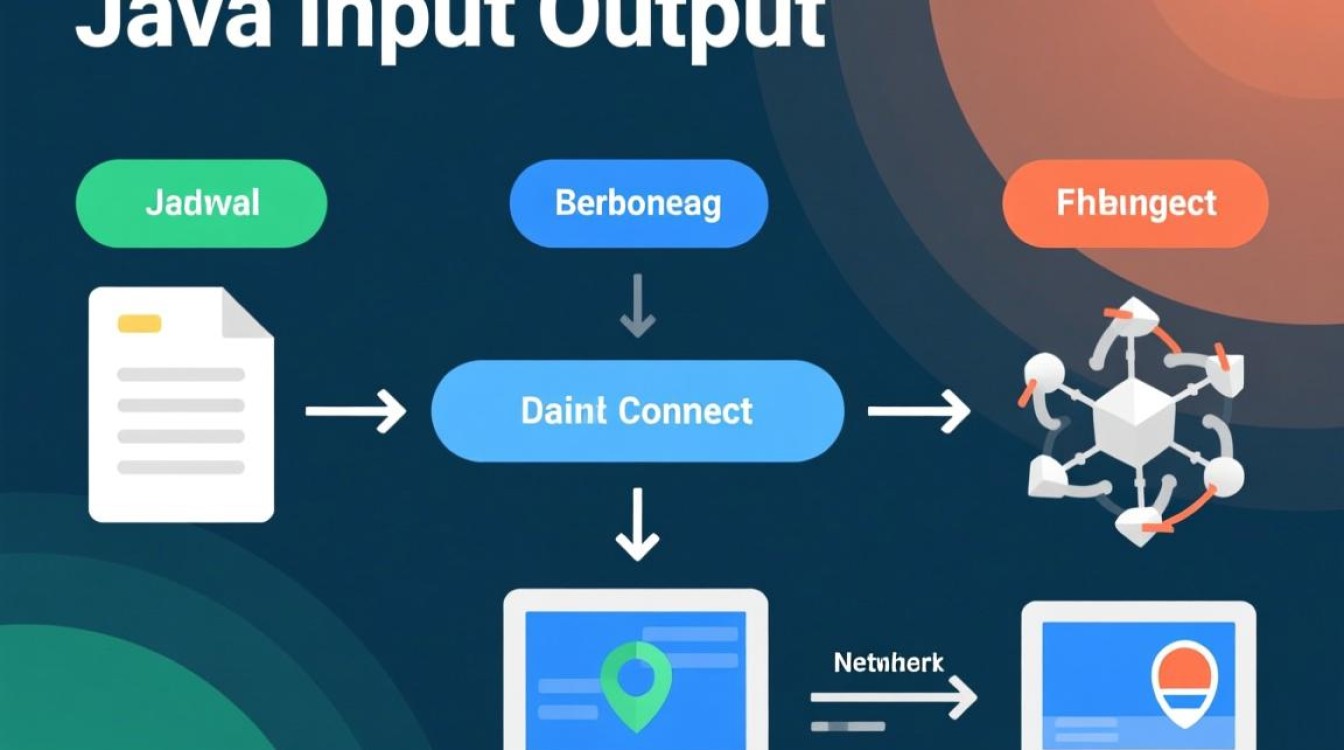
Java流是Java中用于处理输入输出的核心机制,它提供了一种统一的方式来读取和写入数据,无论是文件、网络连接还是内存中的数据,流的方向分为输入流(InputStream/Reader)和输出流(OutputStream/Writer),本文将重点介绍如何使用Java流读取数据,涵盖字节流、字符流、缓冲流以及NIO流等不同场景下的实现方法。
字节流:基础的数据读取通道
字节流是Java中最基础的流类型,以字节(8位)为单位读取数据,适用于处理二进制文件(如图片、音频、视频等),字节流的顶层抽象类是InputStream,常用的实现类包括FileInputStream(从文件读取)、ByteArrayInputStream(从字节数组读取)等。
以FileInputStream为例,读取文件数据的基本步骤如下:
- 创建流对象:通过
FileInputStream构造方法传入文件路径或File对象。 - 读取数据:调用
read()方法读取字节,该方法返回读取的字节(0-255),若到达流末尾则返回-1。 - 关闭流:使用
close()方法释放系统资源,避免资源泄漏。
示例代码:
try (FileInputStream fis = new FileInputStream("example.txt")) {
    int byteData;
    while ((byteData = fis.read()) != -1) {
        System.out.print((char) byteData); // 将字节转为字符输出
    }
} catch (IOException e) {
    e.printStackTrace();
}
上述代码使用try-with-resources语句自动关闭流,确保资源安全,若需批量读取以提高效率,可使用read(byte[] b)方法,该方法将读取的数据存入字节数组,返回实际读取的字节数。
字符流:文本数据的专属处理
字符流以字符为单位读取数据,专门用于处理文本文件(如.txt、.java等),它通过字符编码(如UTF-8、GBK)将字节转换为字符,避免直接操作字节时的编码问题,字符流的顶层抽象类是Reader,常用实现类包括FileReader(从文件读取)、InputStreamReader(字节流转字符流)等。
FileReader的基本使用与FileInputStream类似,但更适合文本场景:

try (FileReader fr = new FileReader("example.txt")) {
    char[] charBuffer = new char[1024];
    int charsRead;
    while ((charsRead = fr.read(charBuffer)) != -1) {
        System.out.print(new String(charBuffer, 0, charsRead));
    }
} catch (IOException e) {
    e.printStackTrace();
}
若需指定编码读取,可通过InputStreamReader包装字节流,
try (FileInputStream fis = new FileInputStream("example.txt");
     InputStreamReader isr = new InputStreamReader(fis, "UTF-8")) {
    // 后续操作同FileReader
}
缓冲流:提升读取效率的加速器
缓冲流通过内置缓冲区减少直接IO操作的次数,从而显著提升读取效率,缓冲流分为字节缓冲流(BufferedInputStream/BufferedOutputStream)和字符缓冲流(BufferedReader/BufferedWriter),它们分别包装在字节流和字符流外部。
以BufferedReader为例,它提供了readLine()方法,可一次性读取一行文本,非常适合处理文本文件:
try (BufferedReader br = new BufferedReader(new FileReader("example.txt"))) {
    String line;
    while ((line = br.readLine()) != null) {
        System.out.println(line);
    }
} catch (IOException e) {
    e.printStackTrace();
}
缓冲流的缓冲区大小默认为8192字节,可通过构造方法自定义(如new BufferedReader(fr, 4096)),对于大文件读取,缓冲流能减少磁盘访问次数,性能优势明显。
NIO流:面向块的高性能读取
Java NIO(New I/O)引入了基于通道(Channel)和缓冲区(Buffer)的IO模型,支持非阻塞IO,适合高并发或大文件读取场景,NIO中的FileChannel配合ByteBuffer,可实现高效的数据读取。
基本步骤如下:

- 获取通道:通过
FileInputStream的getChannel()方法获取FileChannel。 - 创建缓冲区:初始化
ByteBuffer,并设置缓冲区大小。 - 读取数据:调用
channel.read(buffer)将数据读入缓冲区,通过buffer.flip()切换缓冲区为读模式,再通过buffer.get()获取数据。
示例代码:
try (FileInputStream fis = new FileInputStream("largefile.txt");
     FileChannel channel = fis.getChannel()) {
    ByteBuffer buffer = ByteBuffer.allocate(1024);
    while (channel.read(buffer) != -1) {
        buffer.flip();
        while (buffer.hasRemaining()) {
            System.out.print((char) buffer.get());
        }
        buffer.clear(); // 清空缓冲区,准备下一次读取
    }
} catch (IOException e) {
    e.printStackTrace();
}
NIO的优势在于缓冲区可重复使用,且支持零拷贝技术,在处理大文件或网络数据时性能更优。
实践场景:不同数据的读取方法
-
读取网络数据:通过
Socket获取输入流InputStream,读取网络传输的数据:try (Socket socket = new Socket("example.com", 80); InputStream is = socket.getInputStream()) { byte[] data = new byte[1024]; int bytesRead = is.read(data); System.out.println("Received: " + new String(data, 0, bytesRead)); } catch (IOException e) { e.printStackTrace(); } -
读取控制台输入:使用
Scanner或BufferedReader读取用户输入:try (Scanner scanner = new Scanner(System.in)) { System.out.print("Enter input: "); String input = scanner.nextLine(); System.out.println("You entered: " + input); }
Java流提供了灵活多样的数据读取方式,从基础的字节流、字符流,到高效的缓冲流,再到高性能的NIO流,开发者可根据场景需求选择合适的工具,无论是处理文本、二进制文件,还是网络数据,掌握流的读取方法都是Java开发的核心技能,在实际使用中,需注意异常处理和资源关闭(优先使用try-with-resources),以确保程序的健壮性和稳定性。















