Java中实现满天星星效果的多种方法
在Java中实现满天星星的效果,可以通过多种图形库和技术实现,如Java AWT、Swing、JavaFX等,本文将详细介绍如何使用这些技术创建动态、美观的星空效果,包括基本绘制、动画控制、交互设计等内容。
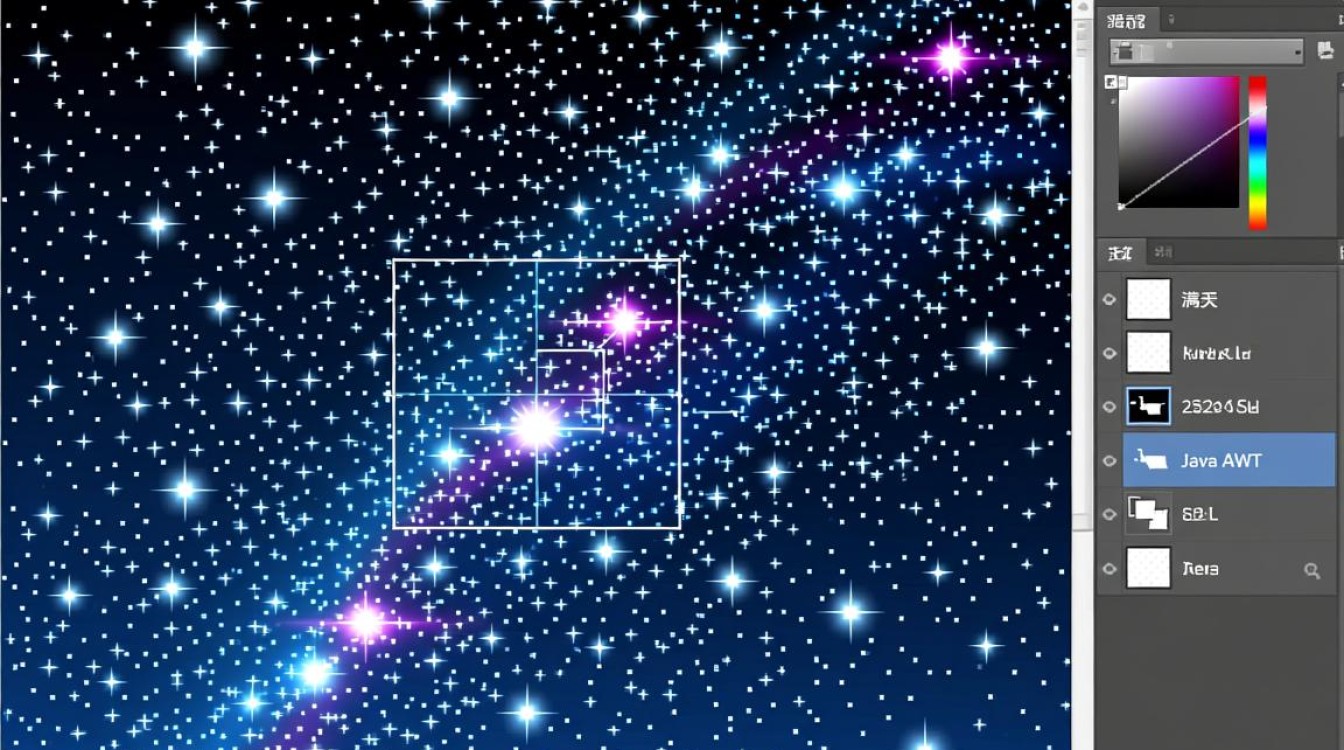
使用Java AWT绘制静态星空
Java AWT(Abstract Window Toolkit)提供了基础的图形绘制功能,适合创建简单的星空效果,需要创建一个继承自Frame的窗口类,并在其paint方法中绘制星星。
import java.awt.*;
import java.awt.event.*;
public class StaticStars extends Frame {
    public StaticStars() {
        setTitle("静态星空");
        setSize(800, 600);
        setVisible(true);
    }
    @Override
    public void paint(Graphics g) {
        super.paint(g);
        g.setColor(Color.BLACK);
        g.fillRect(0, 0, getWidth(), getHeight()); // 绘制黑色背景
        g.setColor(Color.WHITE);
        for (int i = 0; i < 200; i++) {
            int x = (int)(Math.random() * getWidth());
            int y = (int)(Math.random() * getHeight());
            int size = (int)(Math.random() * 3) + 1;
            g.fillOval(x, y, size, size); // 绘制随机位置的星星
        }
    }
    public static void main(String[] args) {
        new StaticStars();
    }
}
说明:
- 通过
Math.random()生成随机坐标和大小,模拟星星的分布。 - 使用
fillOval绘制圆形星星,颜色为白色。
使用Java Swing实现动态星空
Swing是Java的GUI工具包,支持更丰富的组件和动画效果,通过继承JPanel并重写paintComponent方法,结合Timer类实现星星的闪烁动画。
import javax.swing.*;
import java.awt.*;
import java.awt.event.*;
public class DynamicStars extends JFrame {
    private StarPanel starPanel;
    public DynamicStars() {
        setTitle("动态星空");
        setSize(800, 600);
        setDefaultCloseOperation(JFrame.EXIT_ON_CLOSE);
        starPanel = new StarPanel();
        add(starPanel);
    }
    public static void main(String[] args) {
        SwingUtilities.invokeLater(() -> new DynamicStars().setVisible(true));
    }
}
class StarPanel extends JPanel {
    private Star[] stars;
    public StarPanel() {
        setBackground(Color.BLACK);
        stars = new Star[200];
        for (int i = 0; i < stars.length; i++) {
            stars[i] = new Star(getWidth(), getHeight());
        }
        Timer timer = new Timer(50, e -> repaint());
        timer.start();
    }
    @Override
    protected void paintComponent(Graphics g) {
        super.paintComponent(g);
        for (Star star : stars) {
            star.draw(g);
            star.update();
        }
    }
}
class Star {
    private int x, y, size, brightness;
    private boolean increasing;
    public Star(int width, int height) {
        x = (int)(Math.random() * width);
        y = (int)(Math.random() * height);
        size = (int)(Math.random() * 3) + 1;
        brightness = (int)(Math.random() * 255);
        increasing = Math.random() > 0.5;
    }
    public void draw(Graphics g) {
        Color color = new Color(brightness, brightness, brightness);
        g.setColor(color);
        g.fillOval(x, y, size, size);
    }
    public void update() {
        if (increasing) {
            brightness += 5;
            if (brightness >= 255) increasing = false;
        } else {
            brightness -= 5;
            if (brightness <= 0) increasing = true;
        }
    }
}
说明:

Star类封装了星星的位置、大小和亮度变化逻辑。- 通过
Timer定时调用repaint(),实现星星闪烁的动画效果。
使用JavaFX创建高级星空效果
JavaFX是现代化的Java GUI框架,支持更复杂的图形和动画,以下代码展示如何使用JavaFX绘制带有渐变背景和流星效果的星空。
import javafx.animation.*;
import javafx.application.Application;
import javafx.scene.Scene;
import javafx.scene.layout.Pane;
import javafx.scene.paint.Color;
import javafx.scene.shape.Circle;
import javafx.stage.Stage;
import javafx.util.Duration;
public class FXStars extends Application {
    @Override
    public void start(Stage stage) {
        Pane root = new Pane();
        root.setStyle("-fx-background-color: black;");
        // 创建星星
        for (int i = 0; i < 300; i++) {
            Circle star = new Circle(Math.random() * 800, Math.random() * 600, Math.random() * 2);
            star.setFill(Color.WHITE);
            root.getChildren().add(star);
        }
        // 创建流星
        Circle meteor = new Circle(0, 0, 3, Color.LIGHTBLUE);
        root.getChildren().add(meteor);
        // 流星动画
        Timeline timeline = new Timeline(
            new KeyFrame(Duration.ZERO, new KeyValue(meteor.centerXProperty(), 0)),
            new KeyFrame(Duration.seconds(2), new KeyValue(meteor.centerXProperty(), 800))
        );
        timeline.setAutoReverse(true);
        timeline.setCycleCount(Timeline.INDEFINITE);
        timeline.play();
        stage.setScene(new Scene(root, 800, 600));
        stage.setTitle("JavaFX星空");
        stage.show();
    }
    public static void main(String[] args) {
        launch(args);
    }
}
说明:
- 使用
Circle绘制星星和流星,通过Timeline控制流星的运动轨迹。 - JavaFX的CSS样式可以轻松设置背景颜色,代码更简洁。
交互式星空设计
可以通过添加鼠标事件或键盘控制,增强星空的交互性,点击屏幕添加新星星,或按空格键切换动画状态。
// 在Swing示例中添加鼠标事件
starPanel.addMouseListener(new MouseAdapter() {
    @Override
    public void mouseClicked(MouseEvent e) {
        Star newStar = new Star(e.getX(), e.getY());
        starPanel.addStar(newStar);
    }
});
说明:

- 通过监听鼠标点击事件,动态添加星星到面板中。
- 可以扩展功能,如拖拽移动星星、调整闪烁速度等。
性能优化与扩展
- 双缓冲技术:在Swing中使用
BufferedImage避免闪烁,提升动画流畅度。 - 分层渲染:将星星按大小或亮度分层,绘制时优先处理前景层,减少计算量。
- 粒子系统:对于大规模星空效果,可引入粒子系统概念,统一管理星星的生成、更新和销毁。
Java中实现满天星星效果的核心在于图形绘制和动画控制,从基础的AWT到高级的JavaFX,开发者可以根据需求选择合适的技术,通过随机生成、动态更新和交互设计,可以创造出丰富多样的星空效果,无论是简单的静态展示还是复杂的动态模拟,Java都能提供强大的支持。










