Java如何将照片转换为灰度图

随着技术的发展,图像处理已经成为Java编程中的一个常用功能,在许多应用场景中,我们需要将彩色照片转换为灰度图,以便进行后续的处理和分析,Java提供了多种方法来实现这一功能,以下将详细介绍如何使用Java将照片转换为灰度图。
使用Java AWT和ImageIO
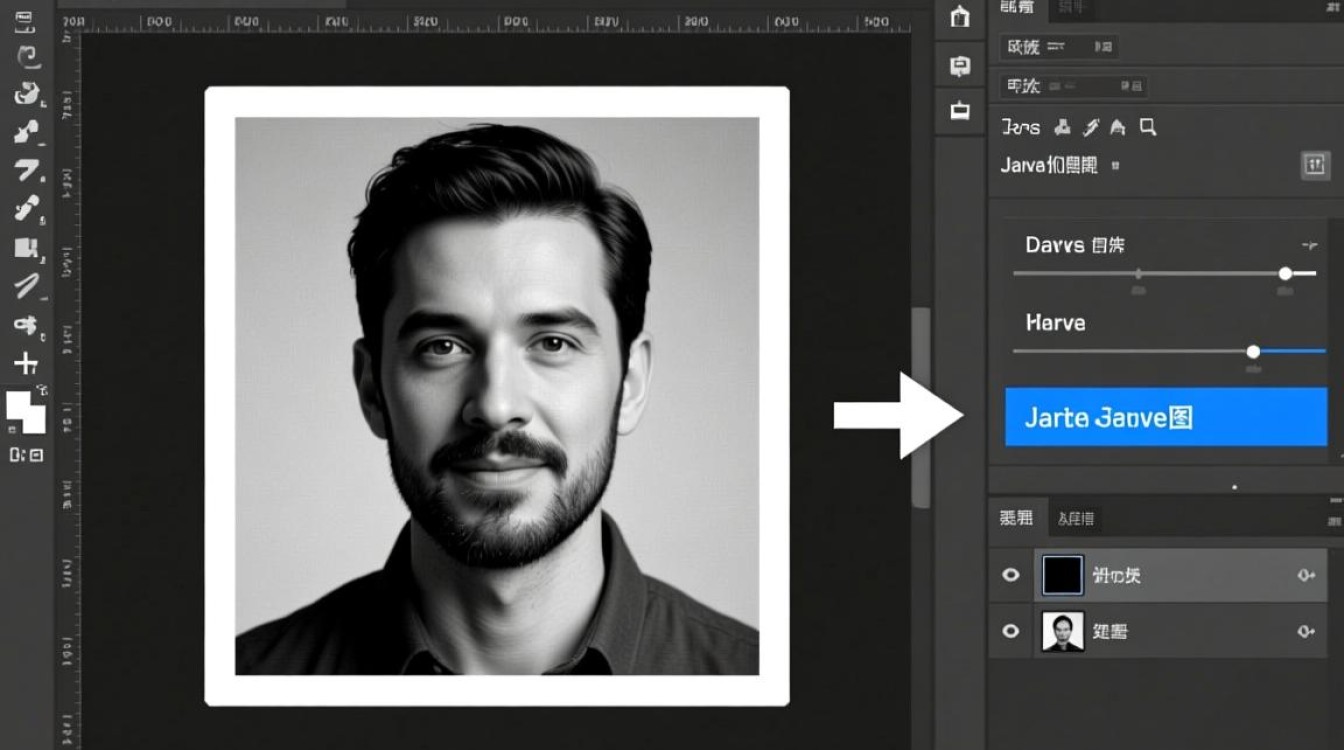
Java AWT(Abstract Window Toolkit)和ImageIO是Java中处理图像的基本工具,以下是一个简单的示例,展示如何使用这些工具将照片转换为灰度图。
1 导入必要的包
import java.awt.image.BufferedImage;
import java.io.File;
import java.io.IOException;
import javax.imageio.ImageIO;
2 创建一个方法来转换图像
public static BufferedImage convertToGrayscale(BufferedImage image) {
    int width = image.getWidth();
    int height = image.getHeight();
    for (int y = 0; y < height; y++) {
        for (int x = 0; x < width; x++) {
            int color = image.getRGB(x, y);
            int alpha = (color >> 24) & 0xFF;
            int red = (color >> 16) & 0xFF;
            int green = (color >> 8) & 0xFF;
            int blue = color & 0xFF;
            int gray = (int) ((red * 0.3 + green * 0.59 + blue * 0.11) + 0.5);
            color = (alpha << 24) | (gray << 16) | (gray << 8) | gray;
            image.setRGB(x, y, color);
        }
    }
    return image;
}
3 读取图像并转换
public static void main(String[] args) {
    try {
        BufferedImage image = ImageIO.read(new File("path/to/your/image.jpg"));
        BufferedImage grayImage = convertToGrayscale(image);
        ImageIO.write(grayImage, "jpg", new File("path/to/your/gray_image.jpg"));
    } catch (IOException e) {
        e.printStackTrace();
    }
}
使用Java Swing和ImageIO
Java Swing是Java的一个GUI工具包,它也提供了处理图像的功能,以下是如何使用Swing和ImageIO将照片转换为灰度图的示例。
1 创建一个方法来转换图像
public static BufferedImage convertToGrayscale(BufferedImage image) {
    int width = image.getWidth();
    int height = image.getHeight();
    for (int y = 0; y < height; y++) {
        for (int x = 0; x < width; x++) {
            int color = image.getRGB(x, y);
            int alpha = (color >> 24) & 0xFF;
            int red = (color >> 16) & 0xFF;
            int green = (color >> 8) & 0xFF;
            int blue = color & 0xFF;
            int gray = (int) ((red * 0.3 + green * 0.59 + blue * 0.11) + 0.5);
            color = (alpha << 24) | (gray << 16) | (gray << 8) | gray;
            image.setRGB(x, y, color);
        }
    }
    return image;
}
2 在Swing应用程序中读取图像并转换
import javax.swing.*;
import java.awt.*;
import java.awt.image.BufferedImage;
import java.io.File;
import java.io.IOException;
public class GrayscaleConverter extends JFrame {
    public GrayscaleConverter() {
        setTitle("Grayscale Image Converter");
        setSize(800, 600);
        setDefaultCloseOperation(JFrame.EXIT_ON_CLOSE);
        setLocationRelativeTo(null);
        BufferedImage image = null;
        try {
            image = ImageIO.read(new File("path/to/your/image.jpg"));
            BufferedImage grayImage = convertToGrayscale(image);
            JLabel label = new JLabel(new ImageIcon(grayImage));
            add(label);
        } catch (IOException e) {
            e.printStackTrace();
        }
    }
    public static void main(String[] args) {
        SwingUtilities.invokeLater(new Runnable() {
            public void run() {
                new GrayscaleConverter().setVisible(true);
            }
        });
    }
}
使用Java JavaFX
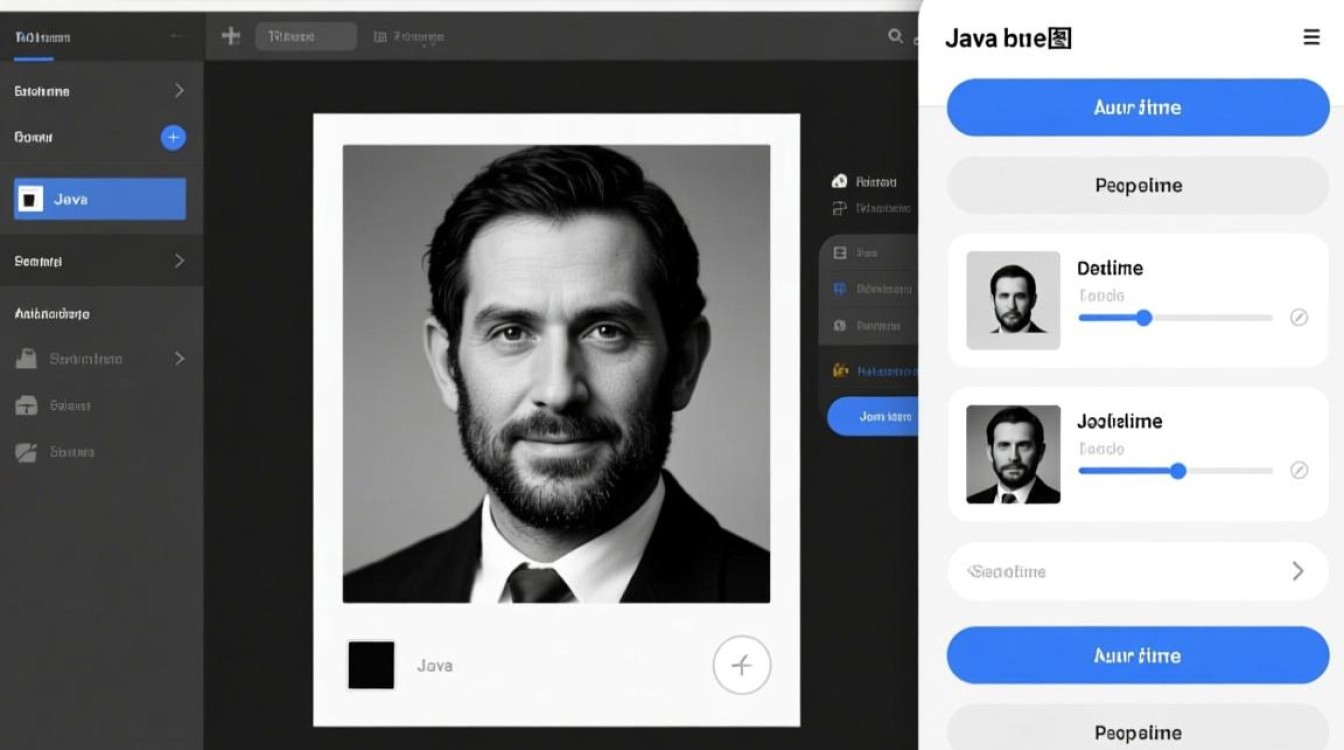
JavaFX是Java的一个现代GUI工具包,它也提供了处理图像的功能,以下是如何使用JavaFX将照片转换为灰度图的示例。
1 创建一个方法来转换图像
public static BufferedImage convertToGrayscale(BufferedImage image) {
    int width = image.getWidth();
    int height = image.getHeight();
    for (int y = 0; y < height; y++) {
        for (int x = 0; x < width; x++) {
            int color = image.getRGB(x, y);
            int alpha = (color >> 24) & 0xFF;
            int red = (color >> 16) & 0xFF;
            int green = (color >> 8) & 0xFF;
            int blue = color & 0xFF;
            int gray = (int) ((red * 0.3 + green * 0.59 + blue * 0.11) + 0.5);
            color = (alpha << 24) | (gray << 16) | (gray << 8) | gray;
            image.setRGB(x, y, color);
        }
    }
    return image;
}
2 在JavaFX应用程序中读取图像并转换
import javafx.application.Application;
import javafx.embed.swing.SwingFXUtils;
import javafx.scene.Scene;
import javafx.scene.image.Image;
import javafx.scene.image.ImageView;
import javafx.scene.layout.StackPane;
import javafx.stage.Stage;
import javax.imageio.ImageIO;
import java.awt.image.BufferedImage;
import java.io.File;
import java.io.IOException;
public class GrayscaleConverter extends Application {
    @Override
    public void start(Stage primaryStage) {
        BufferedImage image = null;
        try {
            image = ImageIO.read(new File("path/to/your/image.jpg"));
            BufferedImage grayImage = convertToGrayscale(image);
            Image fxImage = SwingFXUtils.toFXImage(grayImage, null);
            ImageView imageView = new ImageView(fxImage);
            StackPane root = new StackPane();
            root.getChildren().add(imageView);
            Scene scene = new Scene(root, 800, 600);
            primaryStage.setScene(scene);
            primaryStage.show();
        } catch (IOException e) {
            e.printStackTrace();
        }
    }
    public static void main(String[] args) {
        launch(args);
    }
}
通过以上三种方法,我们可以将Java中的照片转换为灰度图,每种方法都有其特点和适用场景,你可以根据自己的需求选择合适的方法,希望本文对你有所帮助。













