Java实现“满地草”游戏的核心思路与代码解析
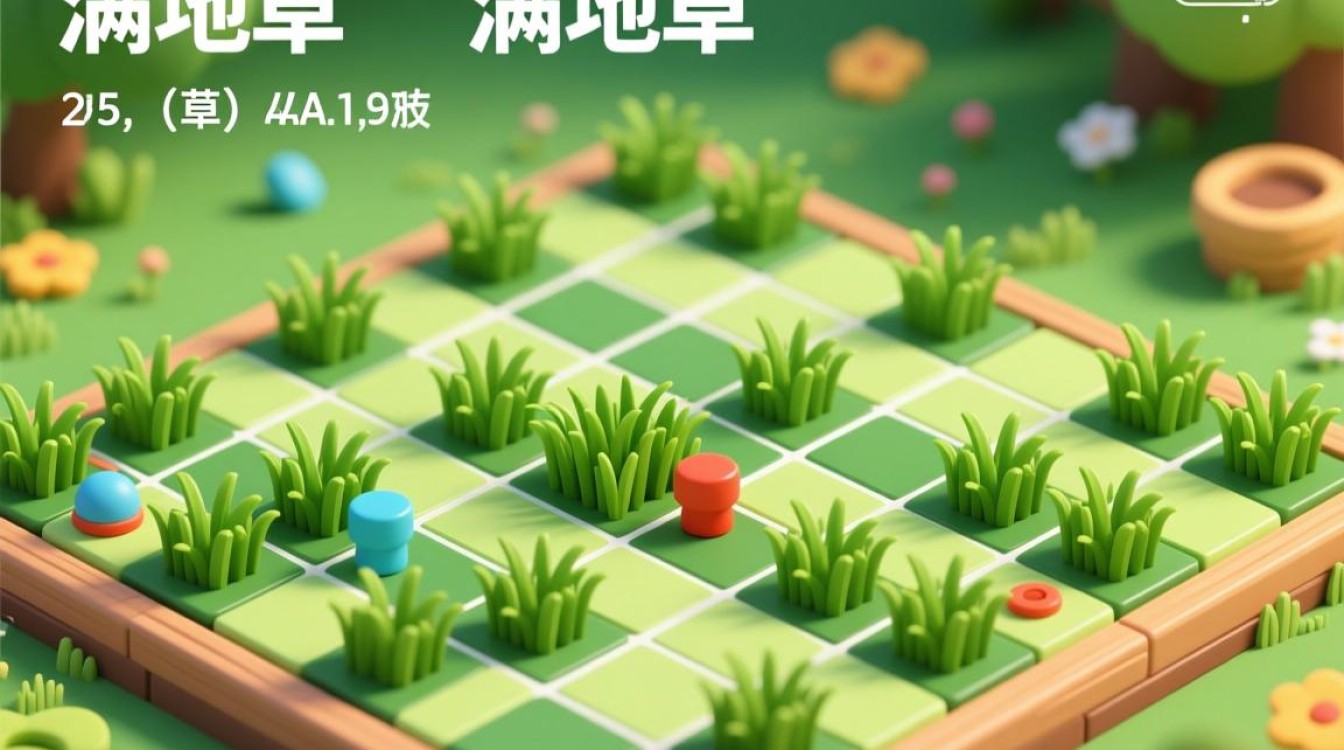
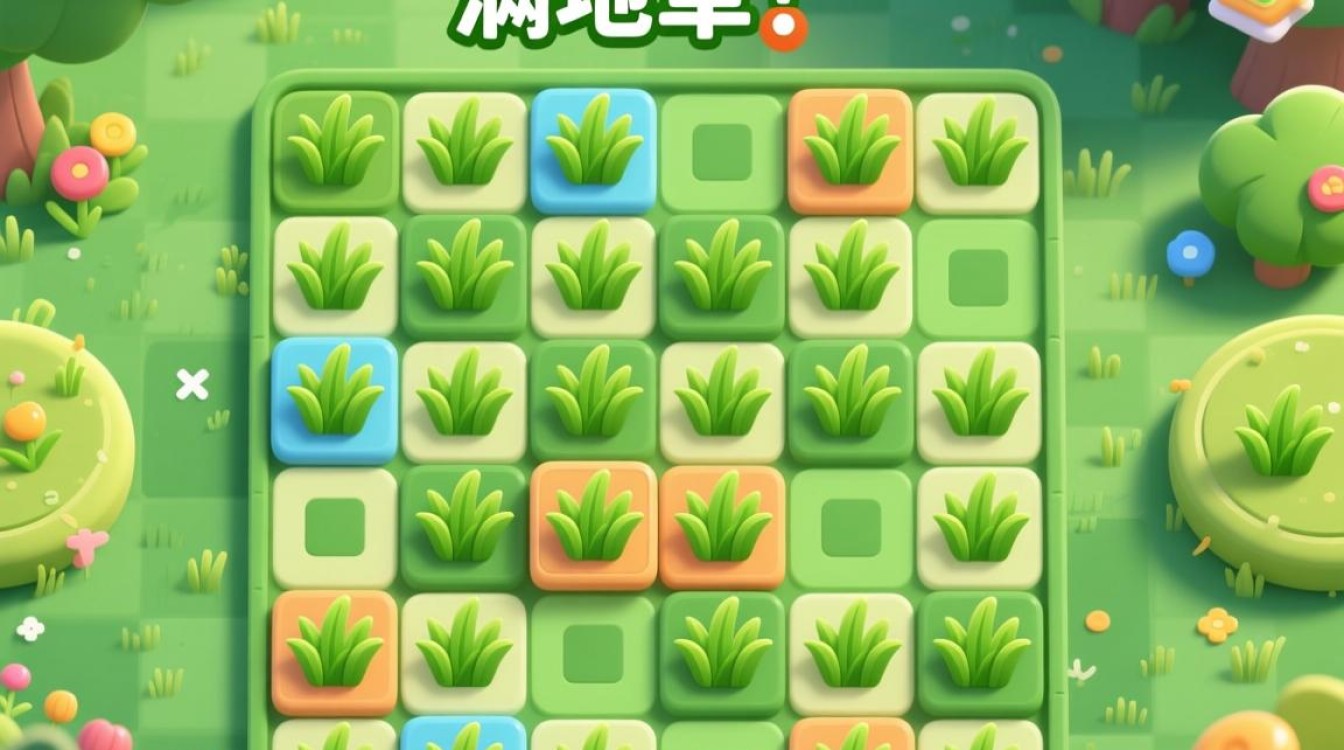
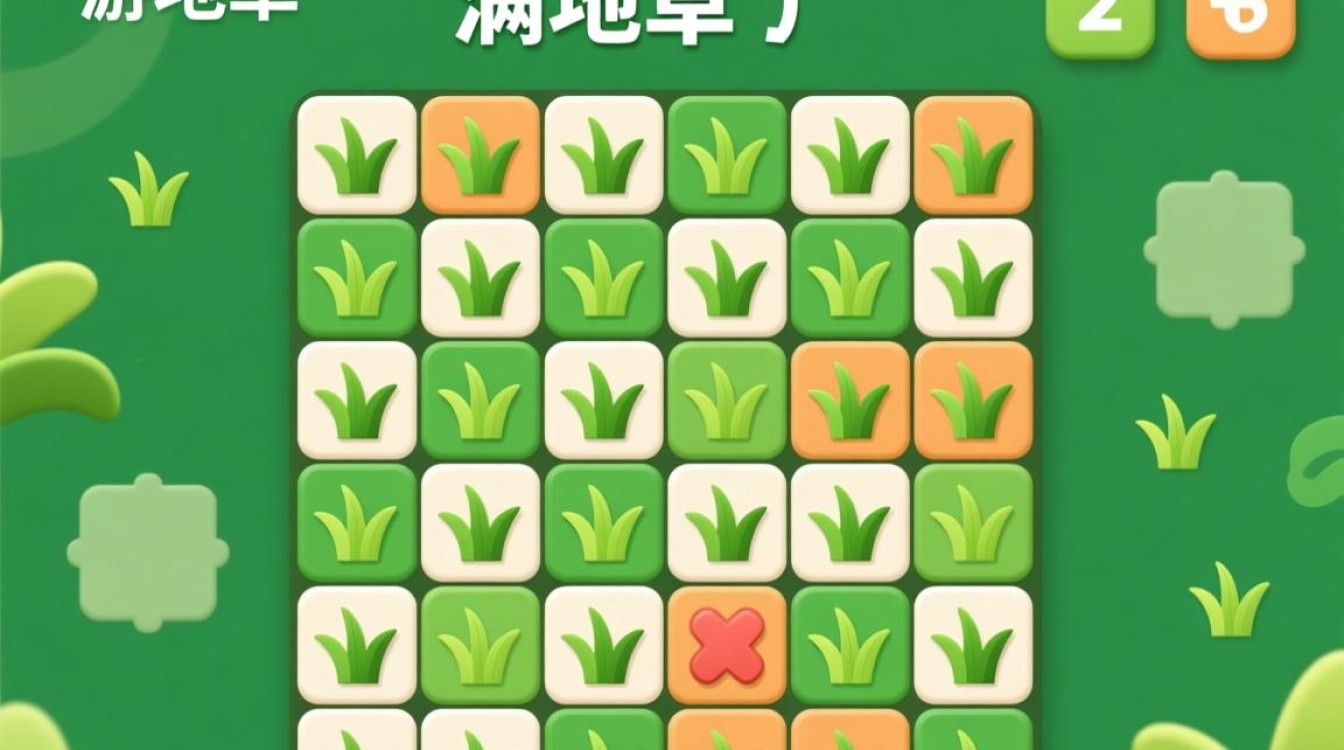
“满地草”是一种经典的益智类游戏,玩家需要在网格中通过点击消除相邻的同色方块,目标是清空整个棋盘,本文将详细介绍如何使用Java实现这一游戏,涵盖游戏逻辑、界面设计、交互处理等关键环节,确保代码结构清晰、功能完整。
游戏规则与需求分析
在开始编码前,需明确游戏的核心规则:
- 棋盘生成:随机生成一个N×N的网格,每个格子包含一种颜色的方块(如红、绿、蓝等)。
- 点击消除:玩家点击某个方块时,若其上下左右相邻(四连通)存在同色方块,则将这些相邻的同色方块一并消除。
- 重力下落:消除后,上方的方块会自动下落填补空缺,最右侧的列会向左补充。
- 胜利条件:当所有方块被消除时,游戏胜利;若无法继续消除,则游戏失败。
基于以上规则,Java实现需解决以下问题:
- 数据结构设计:如何存储棋盘状态?
- 算法实现:如何判断相邻同色方块?
- 界面交互:如何响应玩家点击并动态更新棋盘?
数据结构与核心类设计
为高效管理游戏状态,可采用以下类结构:
GameBoard类:棋盘状态管理
public class GameBoard {
    private int[][] board; // 存储方块颜色,0表示空
    private int rows, cols;
    private final int[] colors = {1, 2, 3, 4}; // 可用颜色
    public GameBoard(int rows, int cols) {
        this.rows = rows;
        this.cols = cols;
        board = new int[rows][cols];
        initializeBoard();
    }
    private void initializeBoard() {
        Random rand = new Random();
        for (int i = 0; i < rows; i++) {
            for (int j = 0; j < cols; j++) {
                board[i][j] = colors[rand.nextInt(colors.length)];
            }
        }
    }
}
GameLogic类:核心算法实现
public class GameLogic {
    public static List<int[]> findAdjacentBlocks(int[][] board, int x, int y) {
        List<int[]> result = new ArrayList<>();
        int targetColor = board[x][y];
        if (targetColor == 0) return result;
        boolean[][] visited = new boolean[board.length][board[0].length];
        dfs(board, x, y, targetColor, visited, result);
        return result;
    }
    private static void dfs(int[][] board, int x, int y, int color, boolean[][] visited, List<int[]> result) {
        if (x < 0 || x >= board.length || y < 0 || y >= board[0].length || visited[x][y] || board[x][y] != color) {
            return;
        }
        visited[x][y] = true;
        result.add(new int[]{x, y});
        dfs(board, x + 1, y, color, visited, result); // 下
        dfs(board, x - 1, y, color, visited, result); // 上
        dfs(board, x, y + 1, color, visited, result); // 右
        dfs(board, x, y - 1, color, visited, result); // 左
    }
    public static void removeBlocks(int[][] board, List<int[]> blocks) {
        for (int[] block : blocks) {
            board[block[0]][block[1]] = 0;
        }
    }
    public static void applyGravity(int[][] board) {
        for (int j = 0; j < board[0].length; j++) {
            int writePos = board.length - 1;
            for (int i = board.length - 1; i >= 0; i--) {
                if (board[i][j] != 0) {
                    board[writePos][j] = board[i][j];
                    if (writePos != i) board[i][j] = 0;
                    writePos--;
                }
            }
        }
    }
}
界面设计与交互实现
使用Java Swing构建图形界面,需实现以下功能:
GameFrame类:主窗口与渲染
public class GameFrame extends JFrame {
    private GameBoard board;
    private JPanel gridPanel;
    private static final int CELL_SIZE = 50;
    public GameFrame(int rows, int cols) {
        board = new GameBoard(rows, cols);
        setTitle("满地草");
        setDefaultCloseOperation(JFrame.EXIT_ON_CLOSE);
        initializeGrid();
        pack();
        setLocationRelativeTo(null);
    }
    private void initializeGrid() {
        gridPanel = new JPanel(new GridLayout(board.getRows(), board.getCols()));
        for (int i = 0; i < board.getRows(); i++) {
            for (int j = 0; j < board.getCols(); j++) {
                JButton cell = new JButton();
                cell.setPreferredSize(new Dimension(CELL_SIZE, CELL_SIZE));
                cell.setBackground(getColorByValue(board.getBoard()[i][j]));
                cell.addActionListener(e -> handleCellClick(i, j));
                gridPanel.add(cell);
            }
        }
        add(gridPanel);
    }
    private Color getColorByValue(int value) {
        switch (value) {
            case 1: return Color.RED;
            case 2: return Color.GREEN;
            case 3: return Color.BLUE;
            case 4: return Color.YELLOW;
            default: return Color.WHITE;
        }
    }
    private void handleCellClick(int x, int y) {
        List<int[]> blocks = GameLogic.findAdjacentBlocks(board.getBoard(), x, y);
        if (blocks.size() > 1) {
            GameLogic.removeBlocks(board.getBoard(), blocks);
            GameLogic.applyGravity(board.getBoard());
            updateGrid();
        }
    }
    private void updateGrid() {
        gridPanel.removeAll();
        initializeGrid();
        revalidate();
        repaint();
    }
}
游戏流程控制与优化
完整的游戏流程需包含初始化、运行与结束判断:
Main类:启动游戏
public class Main {
    public static void main(String[] args) {
        SwingUtilities.invokeLater(() -> {
            GameFrame game = new GameFrame(10, 10); // 10x10棋盘
            game.setVisible(true);
        });
    }
}
性能与体验优化
- 动画效果:可通过
javax.swing.Timer实现方块下落的平滑动画。 - 撤销功能:使用栈保存历史棋盘状态,支持玩家撤销操作。
- 难度分级:调整棋盘大小或颜色数量,改变游戏难度。
总结与扩展
通过上述代码,已实现“满地草”游戏的核心功能,关键点包括:
- 深度优先搜索(DFS):高效查找相邻同色方块。
- 二维数组与重力算法:动态更新棋盘状态。
- Swing事件驱动:实现玩家交互与界面刷新。
未来可扩展的方向包括:
- 添加音效与背景音乐,提升沉浸感。
- 设计关卡系统,逐步增加难度。
- 支持多人对战模式,增加竞技性。
实现确保了代码的模块化与可读性,便于后续维护与功能扩展。










